Keep Your Labii Account Secure with Flexible MFA
Published on November 13, 2026
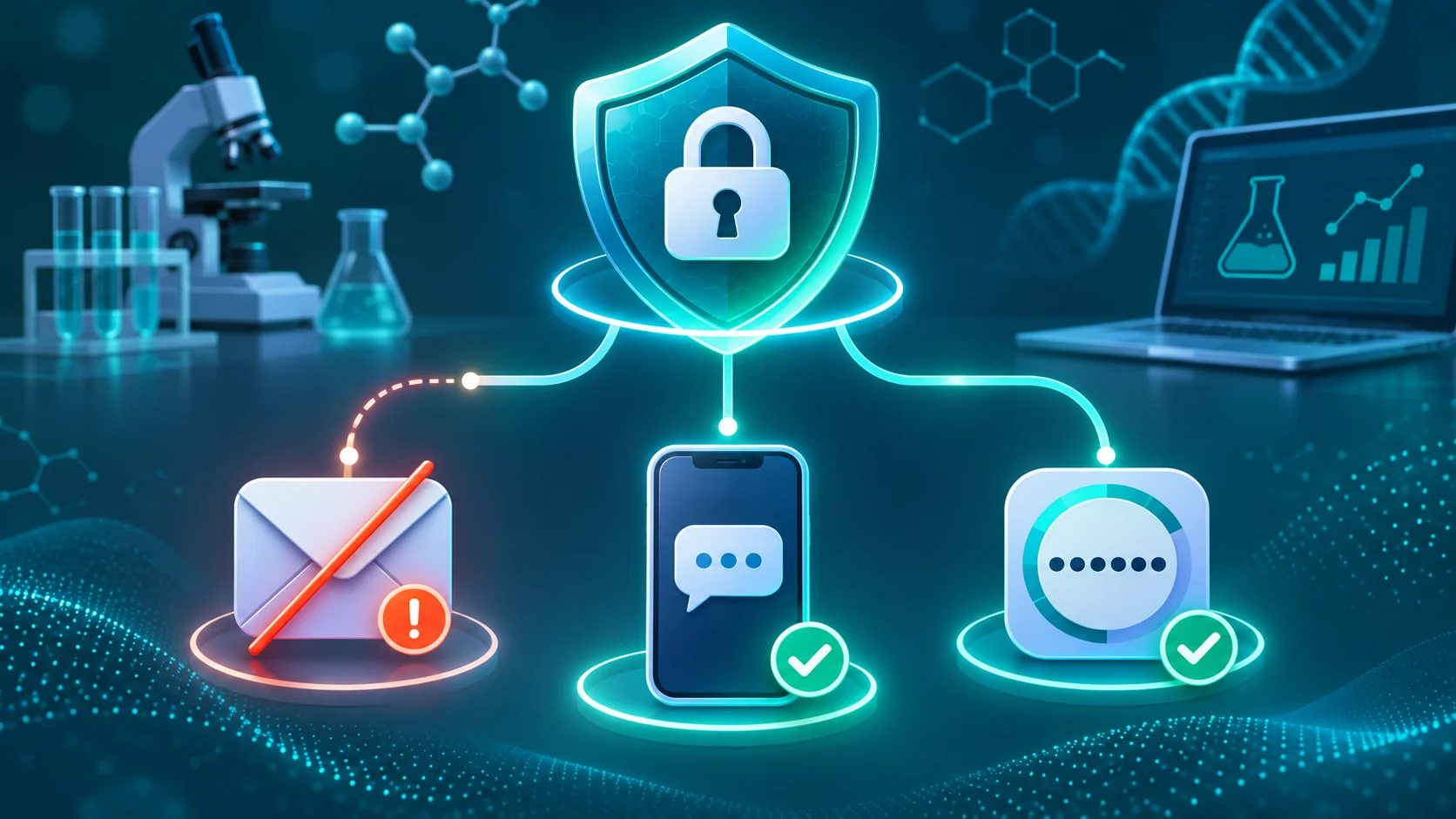
Multi-factor authentication (MFA) adds another verification step after your password, making it harder for someone else to access your account. Labii MFA supports three verification methods: email, SMS, and authenticator apps. This choice helps you protect your account without depending on a single communication channel.
Why More Than One MFA Method Matters
An MFA method is useful only when you can reach it. Email services can experience outages, mobile phones can be lost, and text messages can sometimes be delayed. Having another available verification method helps you sign in securely when your usual channel cannot deliver a code.
The widespread Microsoft 365 disruption on November 12–13, 2026, offered a clear example. During the incident, many Outlook users reported that they could not send or receive email or load their inboxes. The outage also affected other Microsoft services and continued across regions into November 13. (Associated Press)
If your Labii verification code normally arrives through an affected email service, email-based MFA may be temporarily inaccessible even when Labii itself is operating normally. With SMS or an authenticator app available, you can use a method that does not depend on your inbox.
Choose the Method Available to You
Labii's three MFA options provide practical flexibility:
- Email: Receive a verification code in your inbox. This is especially useful when your phone is lost, damaged, or unavailable.
- SMS: Receive a code by text message. SMS can serve as an alternative when your email provider is unavailable.
- Authenticator app: Use a code from your authenticator. This provides another option when you cannot access email or receive a text message.
No single method covers every situation. If Outlook or another email provider is unavailable, use SMS or your authenticator. If you lose access to your phone, use email when it remains accessible. The goal is not to find one method that can never fail; it is to avoid making one channel your only path to secure access.
Prepare Before You Need a Backup
Set up MFA and confirm that your account information is current before an outage or lost device interrupts your work. In Labii, open Settings → My Profile to review your profile and MFA configuration. Make sure the email address and phone number associated with your account are accurate, and complete the setup for the methods you plan to use.
For stronger account security:
- Enable MFA instead of relying on a password alone.
- Use a strong, unique password for Labii and protect the email account connected to it.
- Keep your phone number and email address current.
- Configure an alternative MFA method before your primary method becomes unavailable.
- If a device is lost, regain access through an available method and update your account settings promptly.
Security That Stays Practical
Scientific teams need secure access to experiments, samples, inventory, and operational records. Labii's support for email, SMS, and authenticator-based MFA helps teams add a strong layer of account protection while remaining prepared for email outages, delayed messages, and lost devices.
Enable MFA, prepare more than one verification path, and keep your account secure without letting the availability of a single service determine whether you can sign in.