Introducing Labii 6.0
Published on November 26, 2021
Overview
Labii ( https://www.labii.com/ ) has been working hard to improve usability and efficiency on our platform. With you in mind, we've made a few changes to help you add, access, sort, and store all of your important information. Check out the new features below.
Sidebar
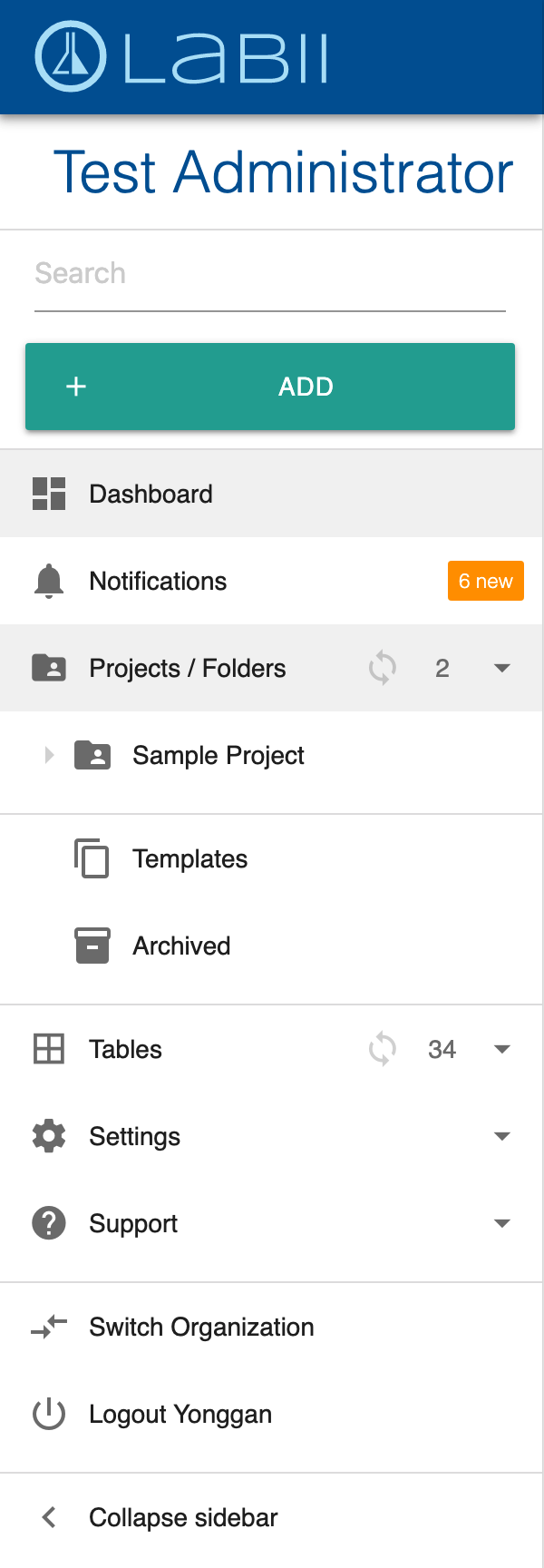
One of our new features is a hideable sidebar which allows the user to easily navigate the Labii platform. The new sidebar is a convenient way to quickly access all of the user's important information and files.
The sidebar contains the:
- Search box
- Add button to add project or record
- Project/folder tree to access data for a project
- Tables list to access records of a particular table
- Settings to configure the account
- Support to get help
Display your company’s Logo
One of the other new features is the addition of each company’s logo, located directly above the sidebar. This allows users to quickly and easily identify which account they are accessing.

Quick search access
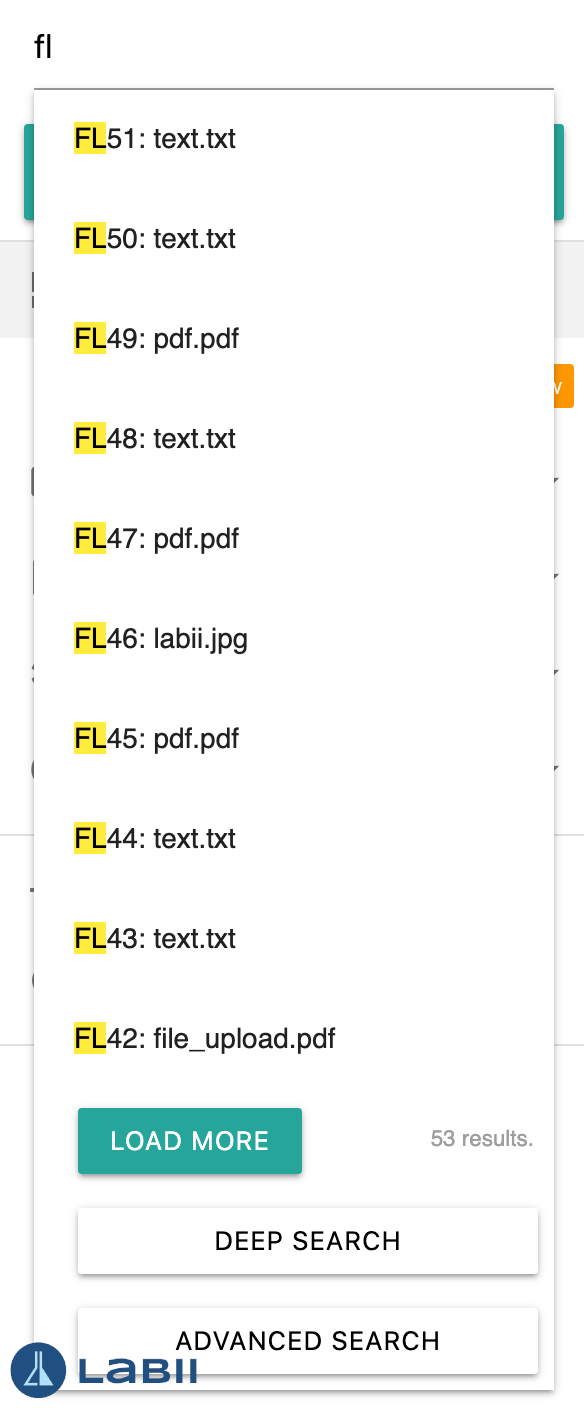
Utilizing the new quick search function, users can easily find any data. The new quick search feature focuses on ease of access, while still allowing users to perform deep or advanced searches.
Add button to add project or record
To enhance usability, Labii placed the add project/record button at the top of the navigation sidebar. Using this feature, users can add any record, to any project, at any time. The add button has a smart feature that pre-selects the project/folder the user was working in at the time the add button was clicked, allowing users to quickly upload information to the correct locations.

Notification center
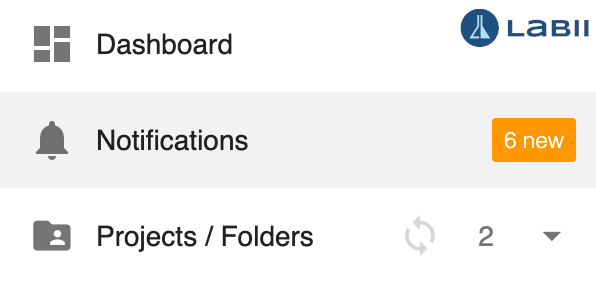
The notification center has a new home on the new navigational sidebar. Directly under the Dashboard button, the new notification center will help users keep track of projects, messages, and action items.
Project and folder trees
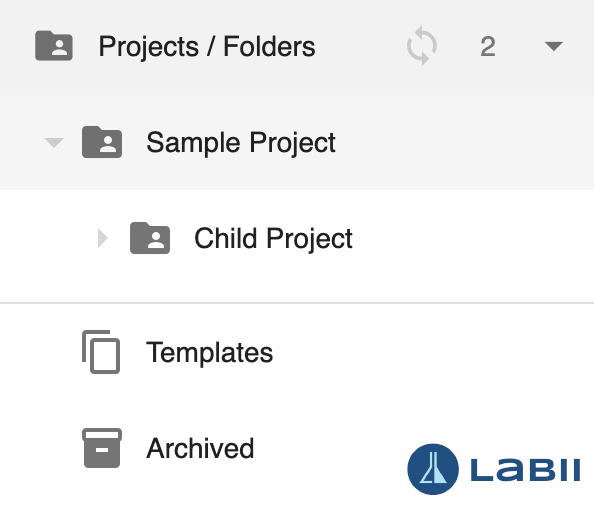
The new Labii platform also supports project and folder trees which function like traditional file systems to ensure ease of access and understanding. Here, projects and folders are identical. You can name projects/folders differently based on your preferences. Files are sorted into folders, which keep all information easily accessible and well organized.
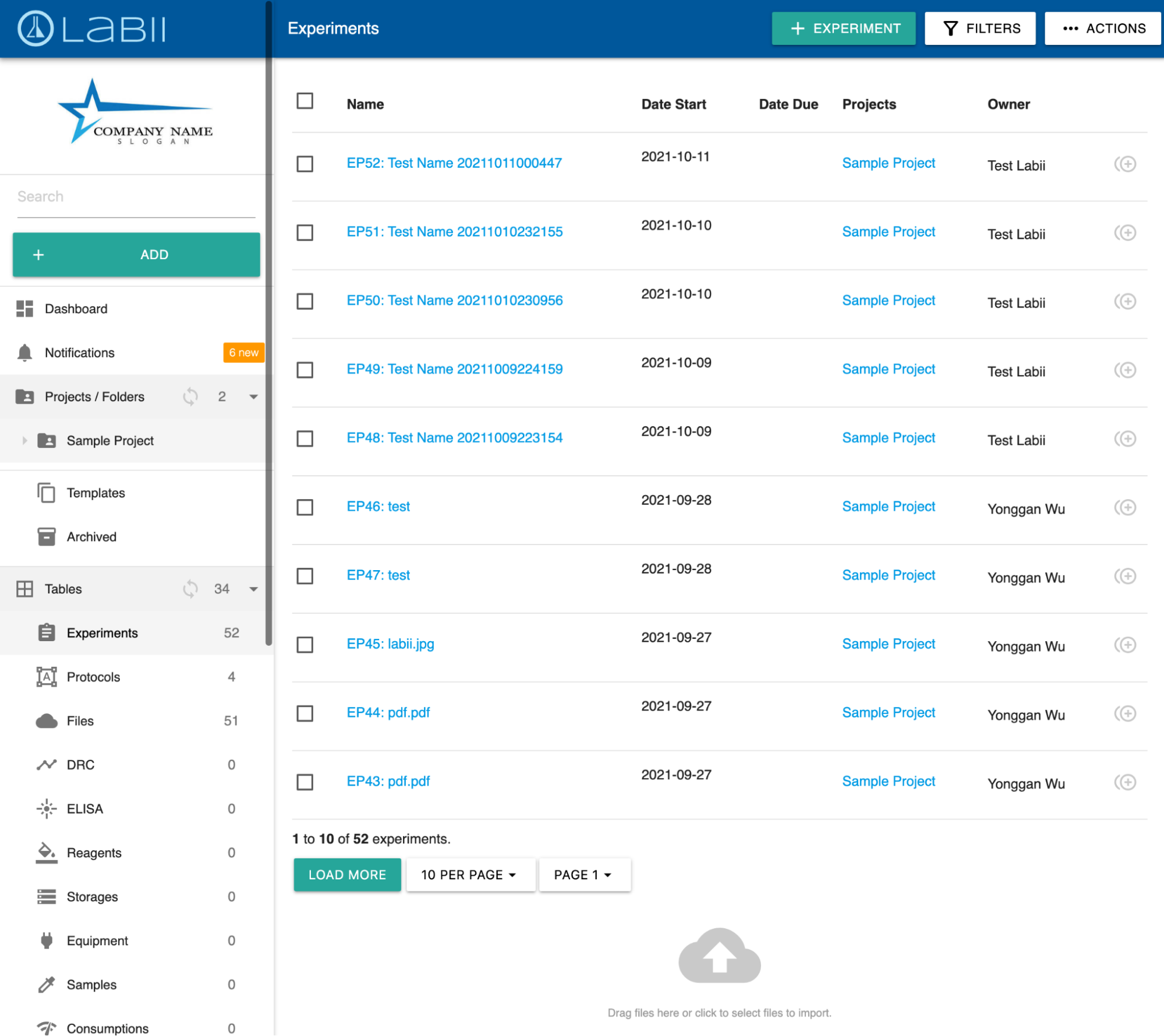
New list view
There is a new list view design to maximize the working space. The list-specific functions are integrated into the navigation bar. At the bottom of the page there are pagination functions to load more records.
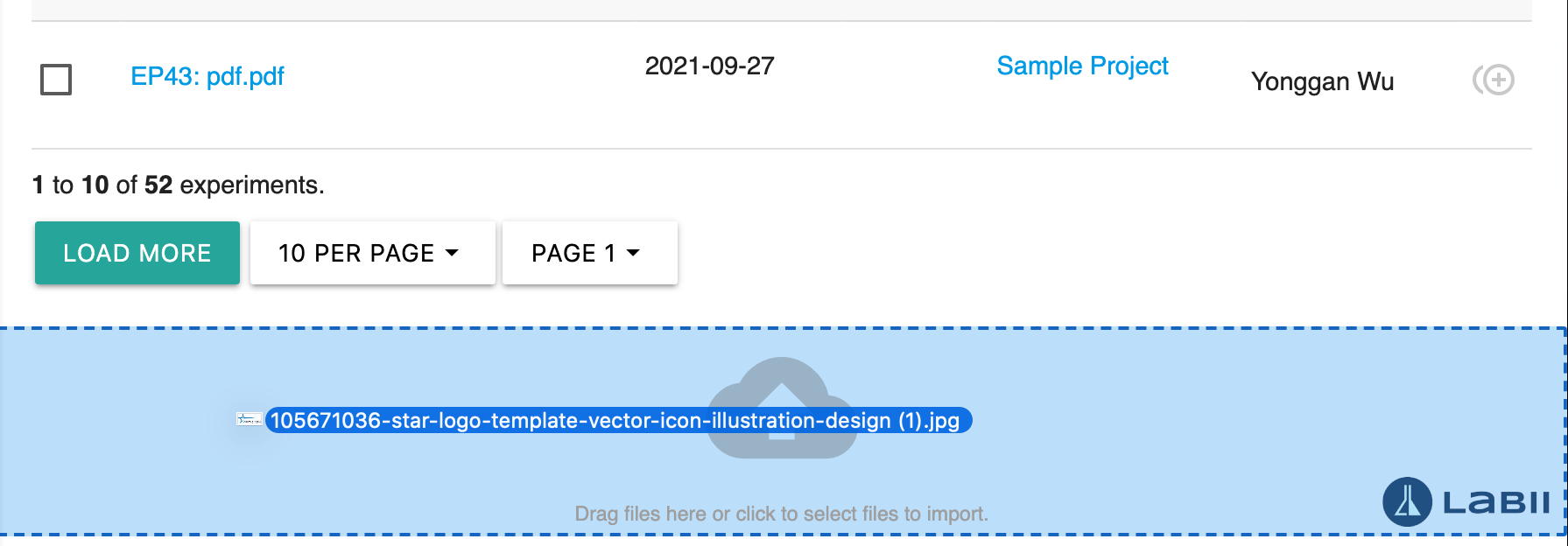
Create records by drag and drop
Records can be easily added using the drag and drop feature found at the bottom of this page.
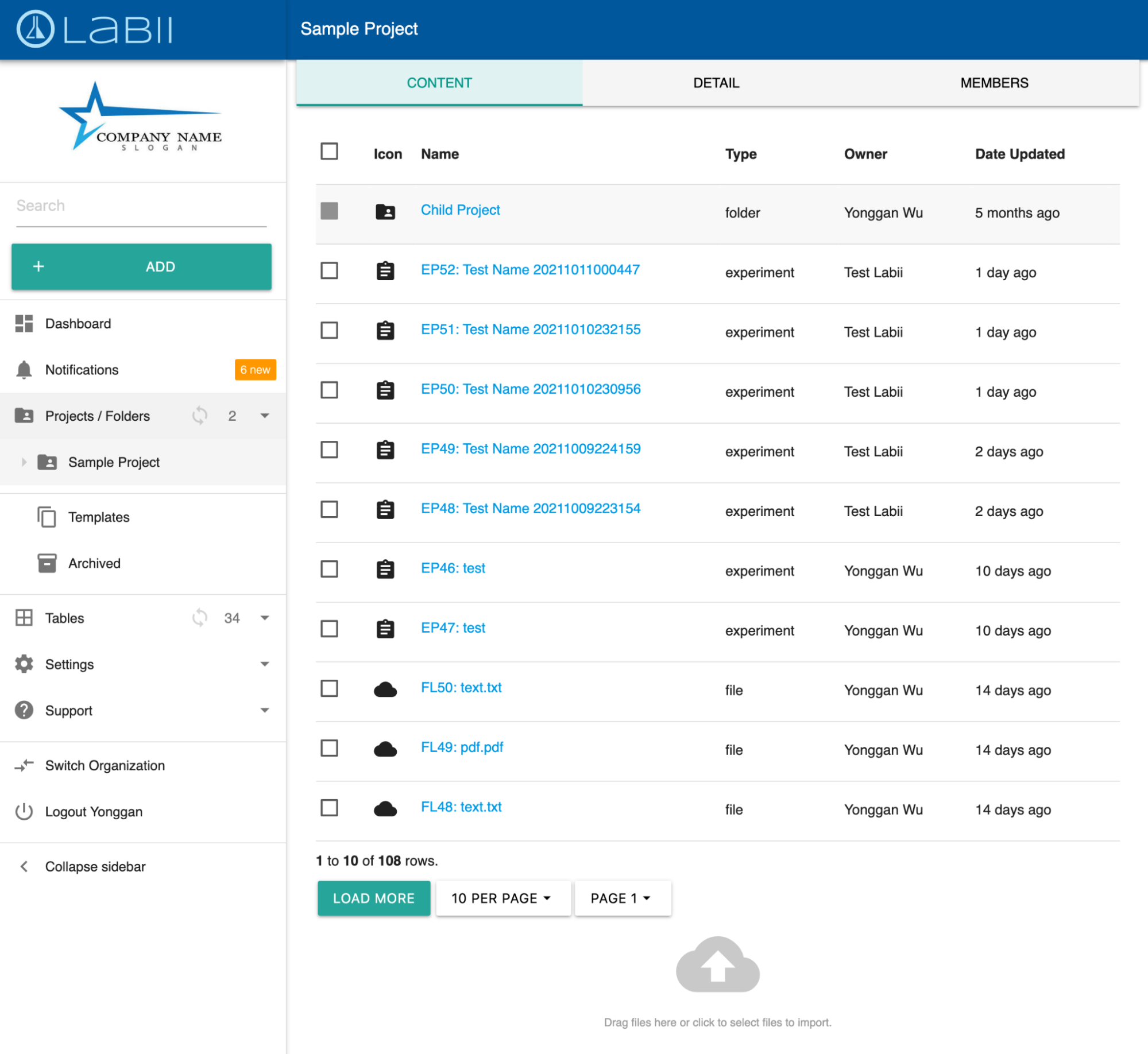
New project/folder list view
In addition to the new list view, there is also a new list view for folders. All information related to the folder, including subfolders, are displayed here. Additional information regarding the detail of the project/folder and permissions can be easily accessed at the top of the page under the detail tab.
Like the table list view, an easy-to-use drag and drop feature can be found at the bottom of this page to create any records.
Updated record detail view
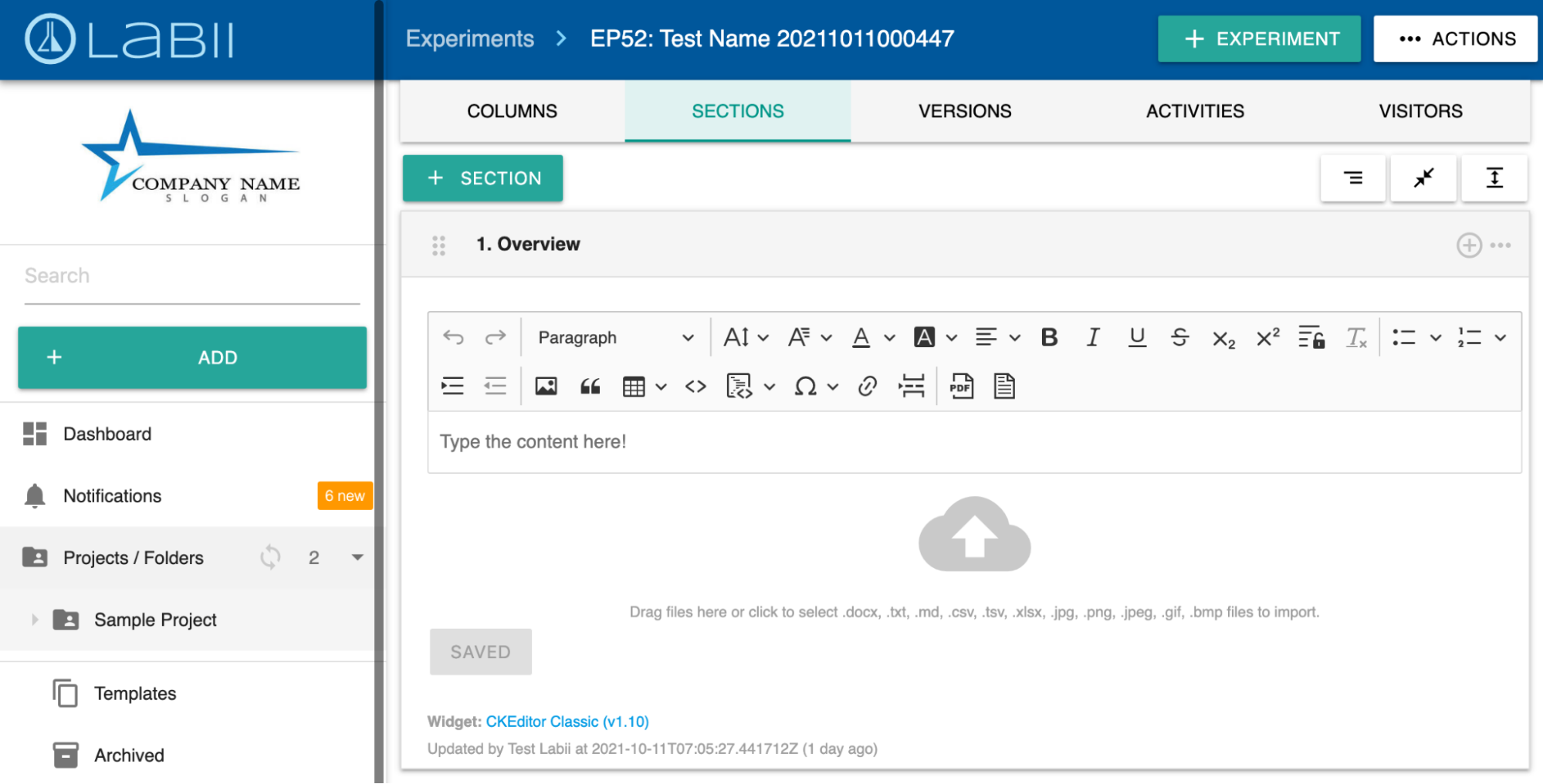
Utilizing the tab system at the top of the page, users can easily navigate between columns and sections views, access version information, view page activities, and visitor information.