> For the complete documentation index, see [llms.txt](https://blogs.labii.com/llms.txt). Markdown versions of documentation pages are available by appending `.md` to page URLs; this page is available as [Markdown](https://blogs.labii.com/feature-updates/2021-03-16-new-version-v5.0-released.md).
# 2021-03-16 New Version V5.0 Released
2021-03-16
Labii [Electronic Lab Notebook (ELN)](https://www.labii.com/electronic-lab-notebook-eln) and [Laboratory Information Management System (LIMS)](https://www.labii.com/laboratory-information-management-system-lims) just released a major release (v5.0) to redesign the email system with a new notification center. With this notification center, you 1) will receive Labii newsletter, 2) will receive Labii system emails, 3) can communicate with your team.
## [**Notification Center**](https://docs.labii.com/eln-and-lims/notifications)
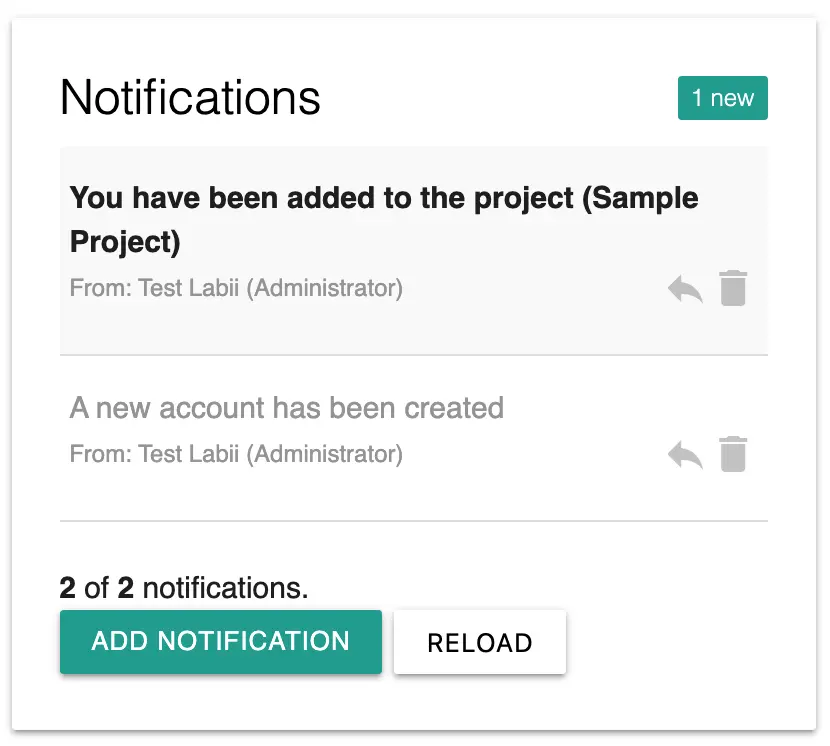
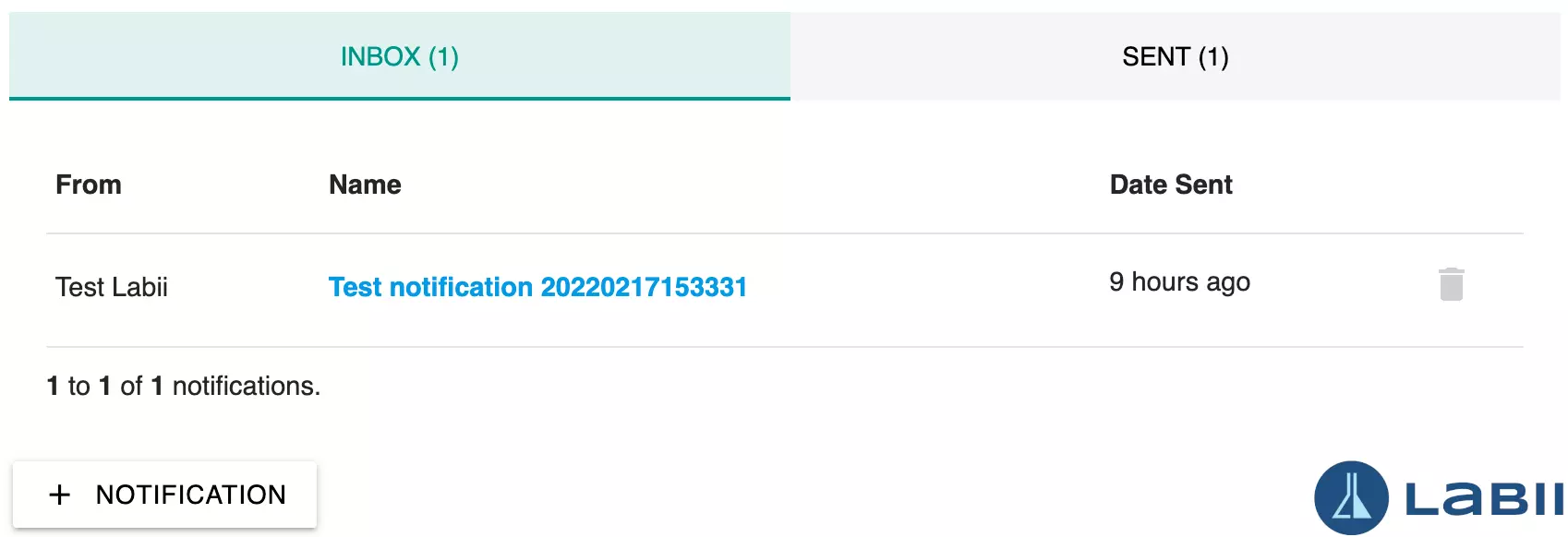
In [Labii's electronic notebook,](https://www.labii.com/electronic-lab-notebook-eln) the notification center allows you to receive messages and to send messages between [Labii](https://www.labii.com/) and your colleagues.
The Notification Center is available at both Dashboard and Settings -> Notification. As a result of this new function, the **Organization Announcement** is removed and the administrators can use the Notification Center to send out the announcements.
## [**New Notification Widget**](https://docs.labii.com/widgets/productivity/notifications)
Labii's notification message can be associated with any particular record. The Notification widget displays any message associated with the record. The previous **Email** widget has now be replaced with the **Notification** widget. Use this widget to manage and send notifications related to a record.
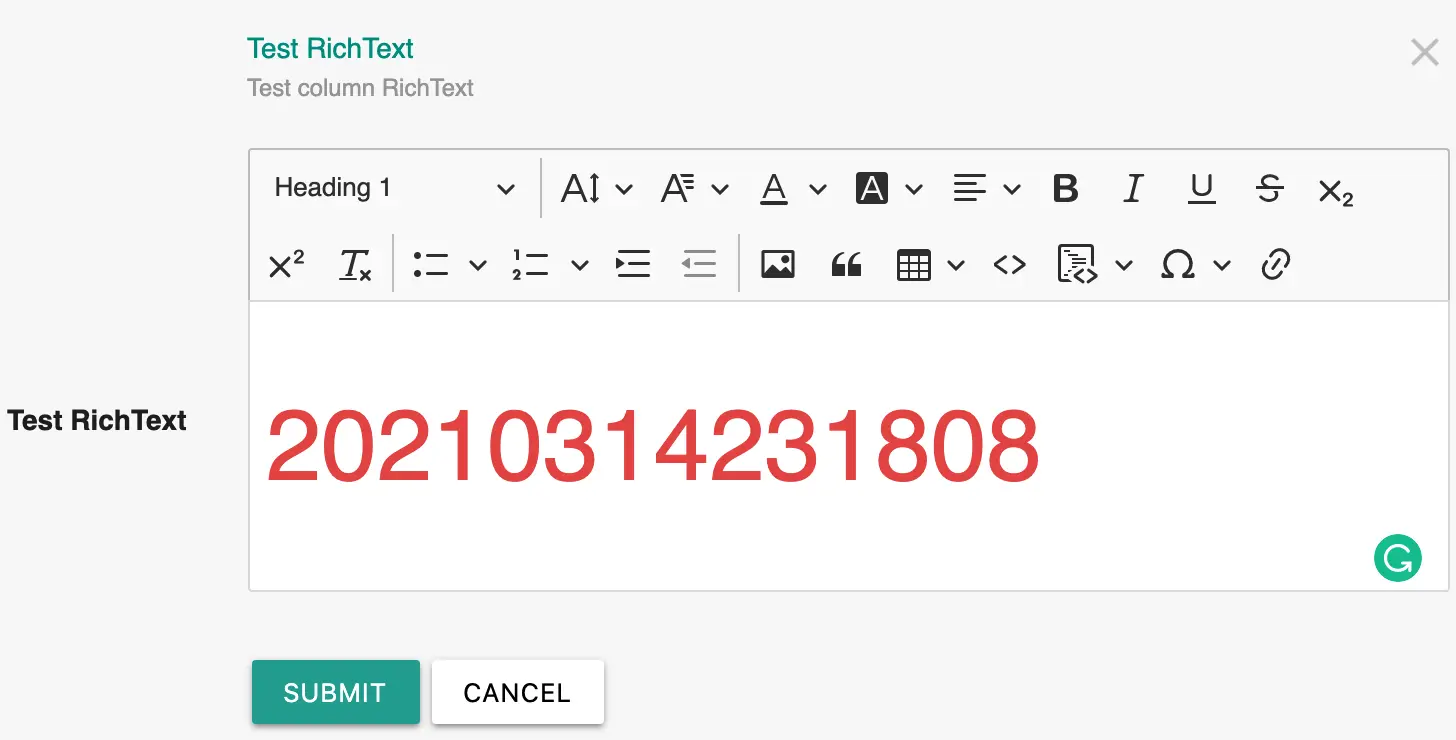
## [**New RichText Column Widget**](https://docs.labii.com/widgets/column-widgets/form#richtext)
RichText is often needed in some use cases, such as the [Steps](https://docs.labii.com/widgets/productivity/steps) widget. In order to enable users to type rich text, we have developed a RichText column widget.
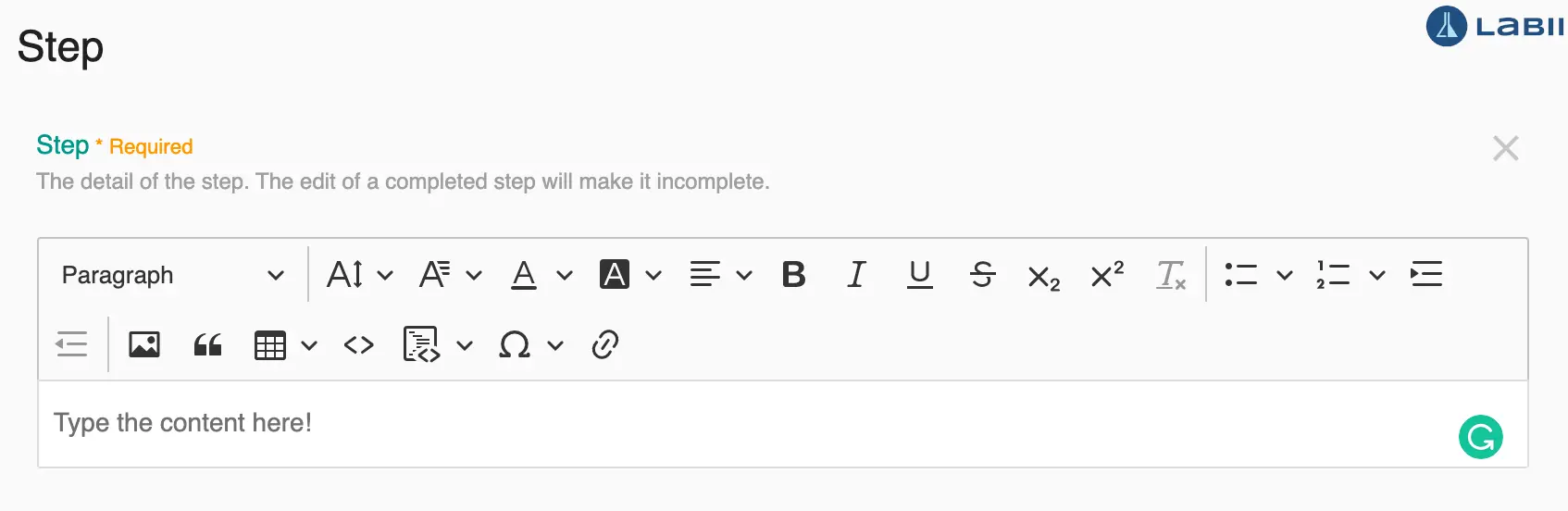
## [**Support RichText in Steps widget**](https://docs.labii.com/widgets/productivity/steps#add-a-new-step)
Steps is a new widget designed to track the status of each step. User has the option to mark which step has been completed. The widget will also capture who and when does a step complete. The Steps widget has been updated to support the rich text.
## [**Project managers can now create sub-projects**](https://docs.labii.com/api/methods/project)
Labii has extended the permission of project managers to be able to create sub-projects.